Your team's local time, right in your menu bar
See who's working, who's off for a holiday and whose clocks are about to change, without opening another tab.
macOS 10.13 or later · Apple Silicon and Intel · Free for individuals
Syncs your teammates from Slack, Microsoft Teamsor your TeamVis workspace
Everything you check before you message someone
Working hours at a glance
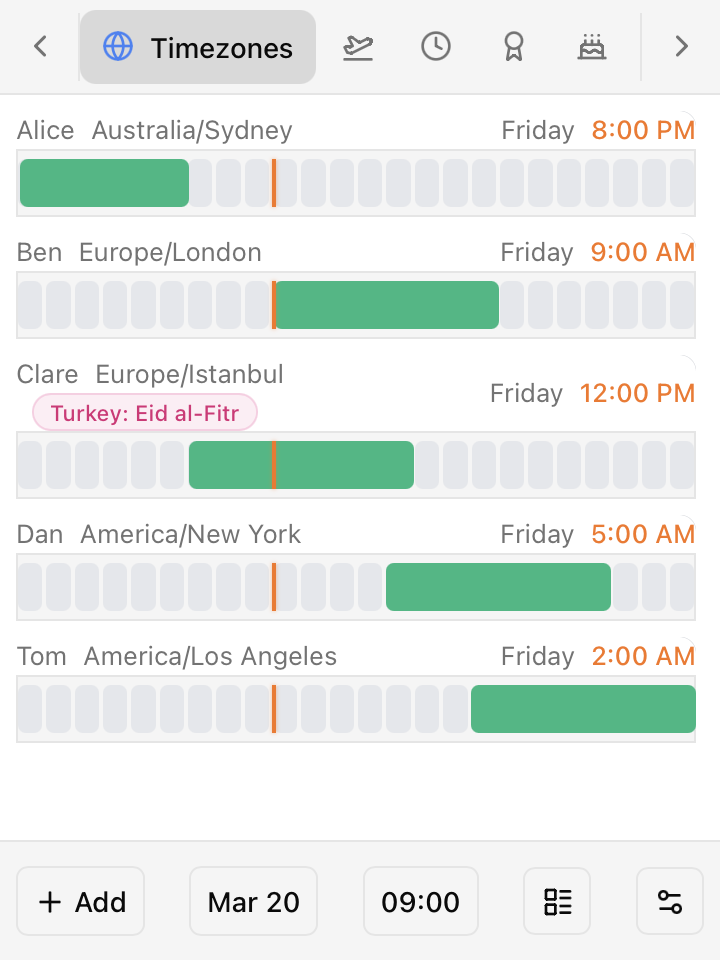
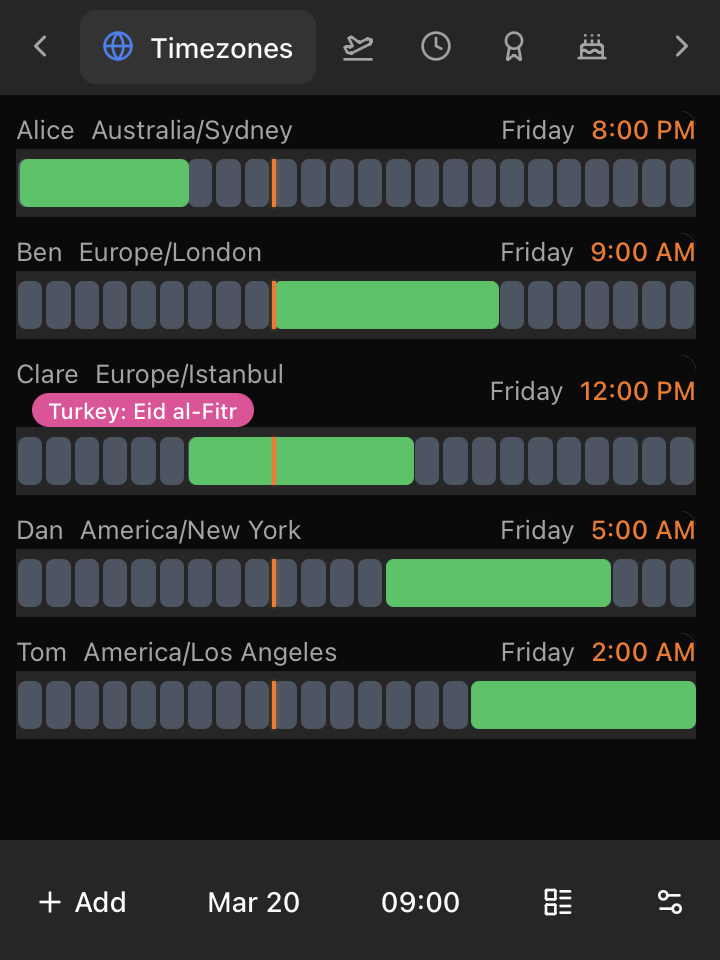
A bar for every teammate shows their working day next to yours, with a marker for right now.
National holidays
See who's off for a public holiday before you message them on a Monday morning.
Daylight saving shifts
Know when a teammate's clocks are about to change and what it does to your overlap.
Birthdays & anniversaries
Upcoming birthdays and work anniversaries for everyone in your workspace.
Any date, any time
Pick a date and time to see where everyone's day will be, which helps when you're planning a meeting.
Stays out of your way
It lives in the menu bar instead of the Dock, and it keeps itself up to date.
Six tabs, one click away
Click the icon in your menu bar and switch between tabs.
Who's working right now, and who's already logged off.
Set up in a minute
- 1
Download
Pick Apple Silicon or Intel, open the DMG and drag TeamVis into Applications.
- 2
Sign in
Click Generate Code, approve the device in your browser, then enter the 6-character code.
- 3
Open it from the menu bar
Click the TeamVis icon at the top of your screen whenever you need it.
Don't have a workspace yet?
The menu bar app shows the people in your TeamVis workspace. Create one for free, or connect Slack or Microsoft Teams to bring your team in automatically.
Using Slack or Teams? See the team map app