Map app for Slack & Microsoft Teams
Put your whole team on a map
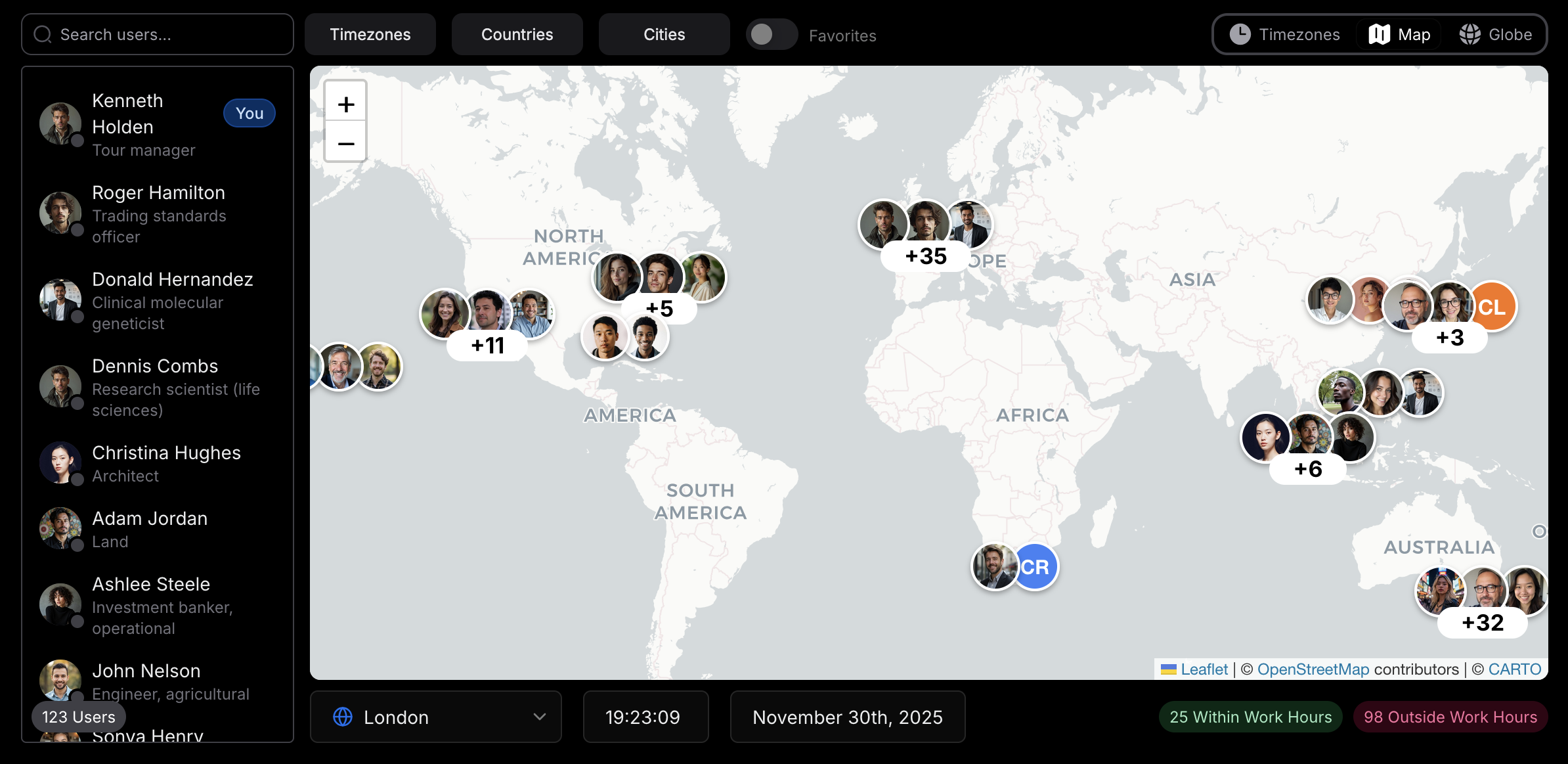
TeamVis syncs your teammates from Slack or Microsoft Teams and pins them on an interactive employee map, with each person's local time, working hours and national holidays.
Explore the demo map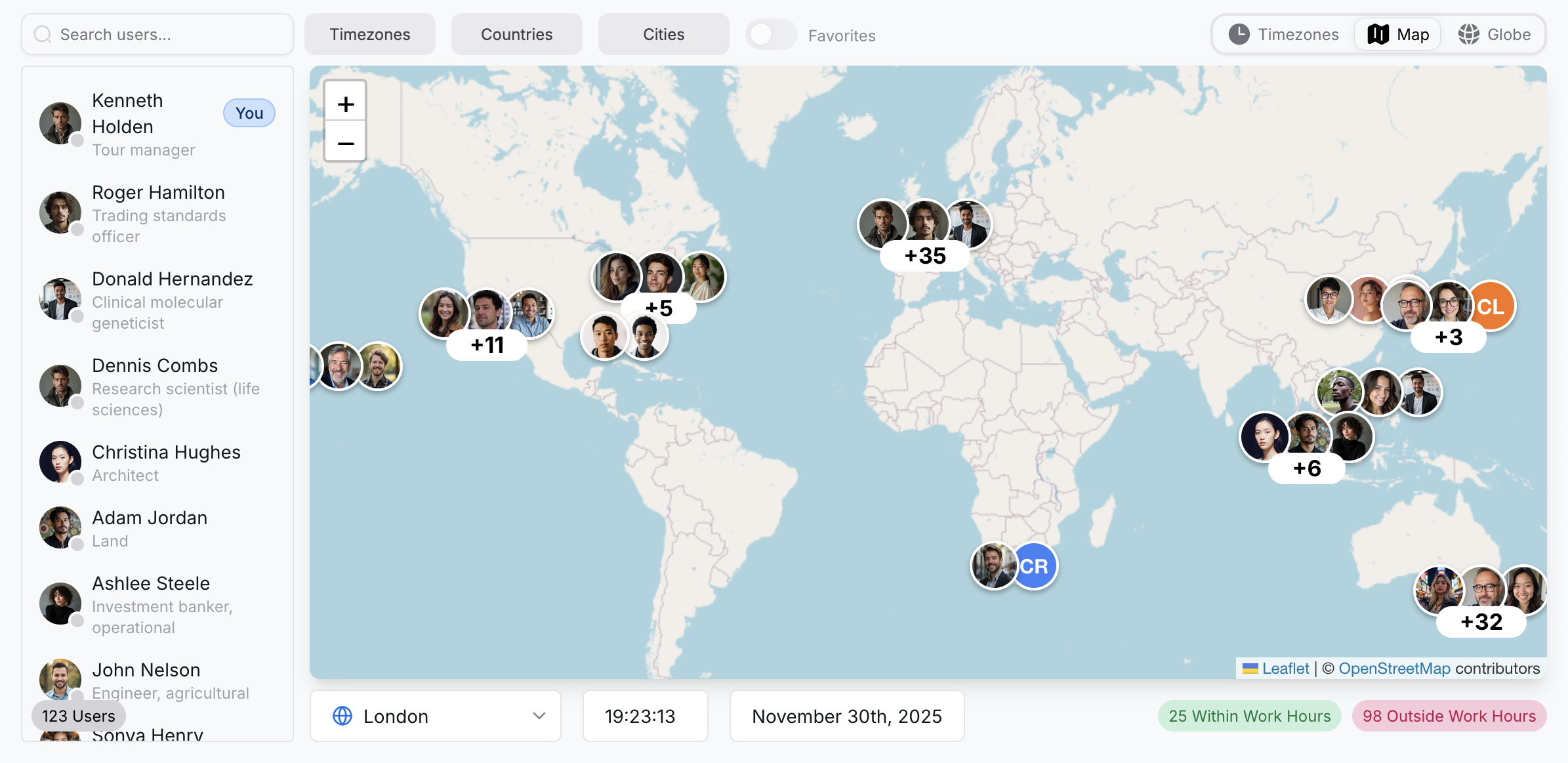
London, United Kingdom
35 teammates · Fri 09:00
 Working
Priya Shah
Product Designer
 Working
Tom Becker
Support Lead
 Starts 10:00
Ana Costa
Engineer
An employee map built for distributed teams
Map, globe and timezones
Three ways to see where everyone is
Zoom into city-level clusters on the map, spin the 3D globe, or group everyone by time zone.
Search by name, filter by timezone, country or city, and keep your favorites one toggle away.
Working hours and presence
Know who's working before you message
Pick any city, date and time and the map counts who's inside their working hours, so you don't ping someone at 3am.
On Slack, switch the map to live presence to see who's online right now.


Microsoft Teams
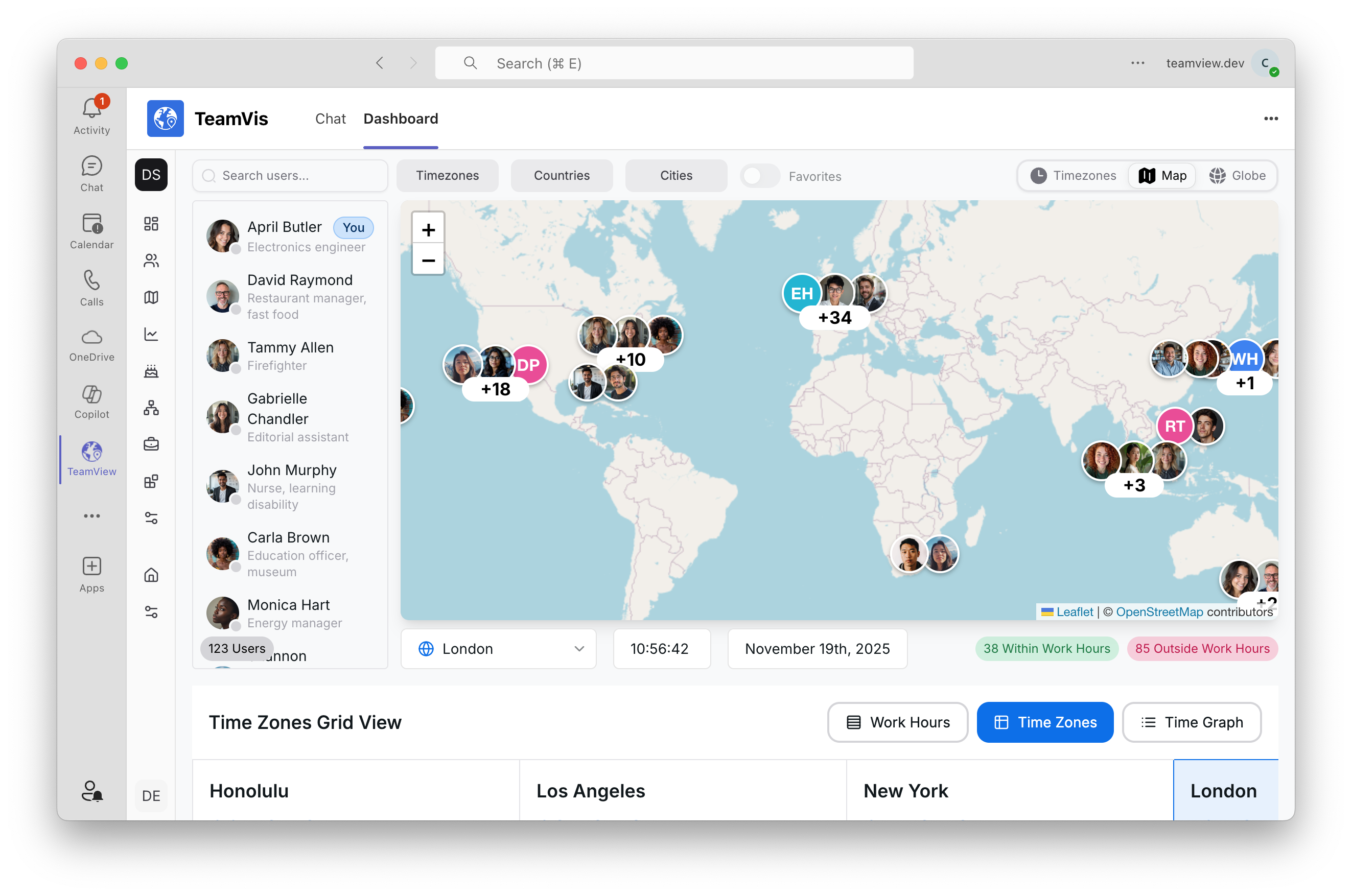
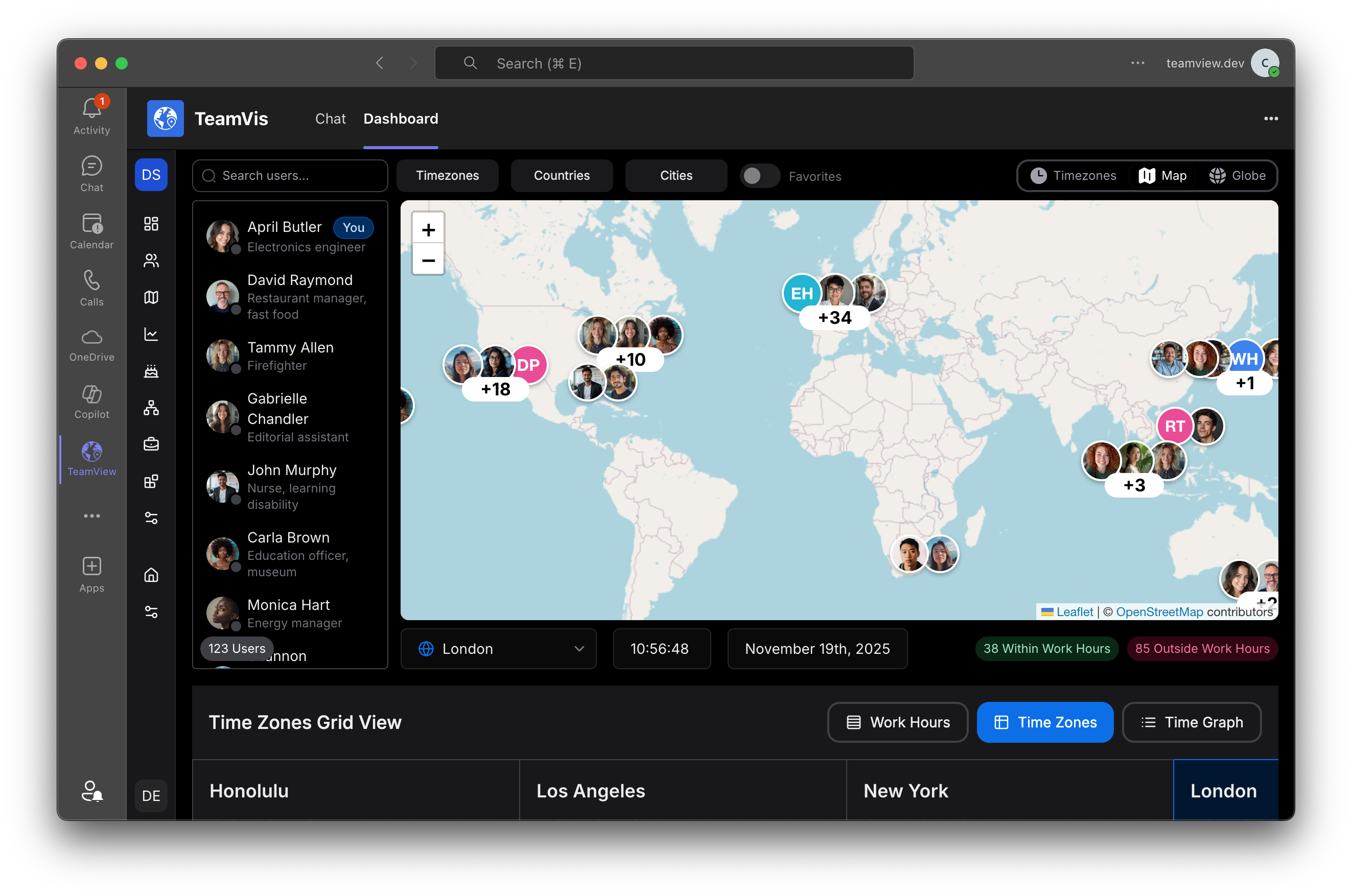
A map tab inside Microsoft Teams
Install TeamVis in Teams and the map, globe and time zone grid open in their own tab, next to your chats.
People sync from your Microsoft 365 organization.
Chatbot
Ask where someone is from any channel
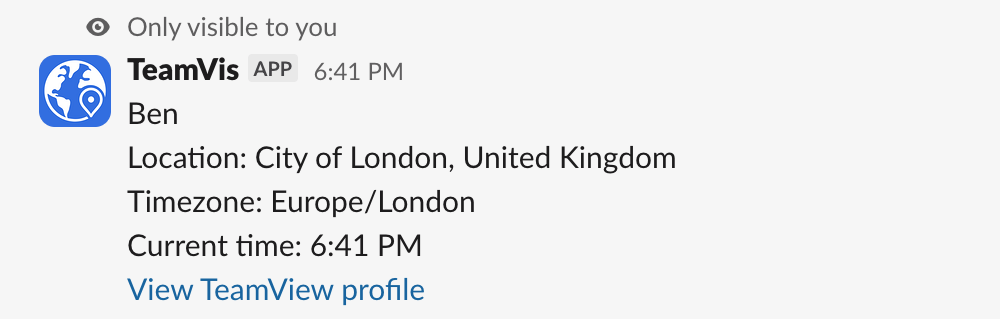
Type /location in Slack or Teams to get a teammate's city, time zone and local time.
/workinghours and /overlap find a time that works for everyone. More about the chatbot

Works where your team already talks
Team map app for Slack
- Syncs your Slack members and their time zones
- Switch the map between Slack presence and working hours
- /location, /workinghours and /overlap in any channel
- Times mentioned in messages are converted for each reader
Team map app for Microsoft Teams
- Map, globe and time zone grid in a Teams tab
- Syncs people from your Microsoft 365 organization
- Time zones come from each person's mailbox settings
- The same chatbot commands in Teams chats and channels
More than a map
Questions
Put your team on the map
Connect Slack or Teams in a couple of minutes, or look around the demo workspace first.