Time zone chatbot for Slack & Microsoft Teams
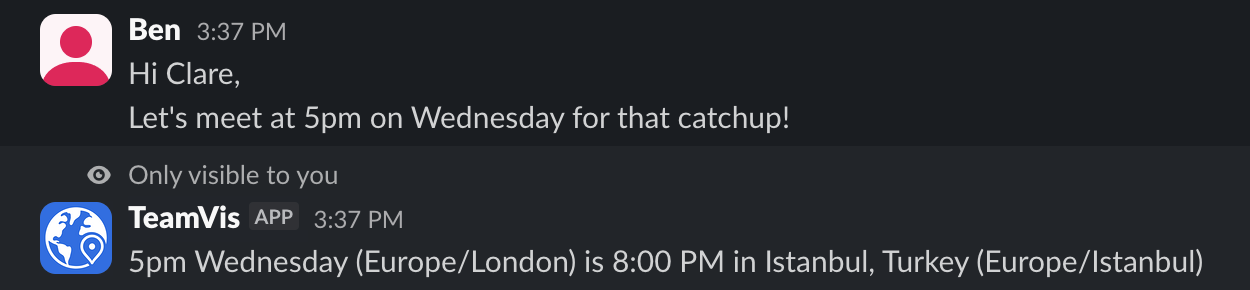
Say “5pm”. Everyone sees their own time.
The TeamVis chatbot converts times in your messages for every reader, and answers questions about working hours, overlap and location without leaving the chat.
Read the command reference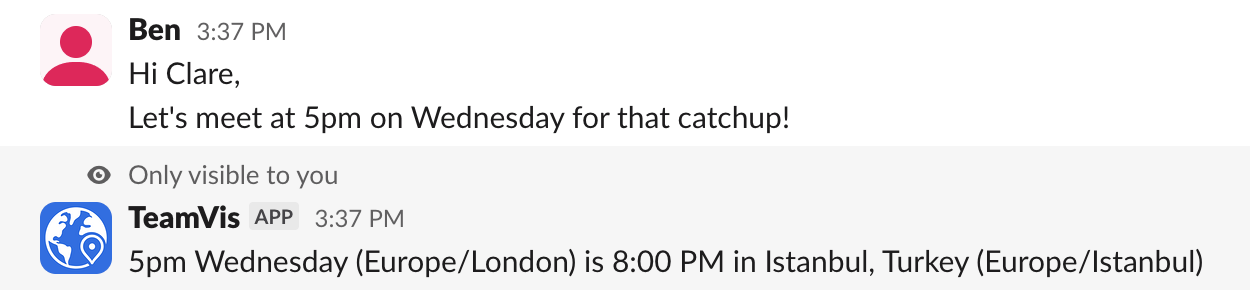
How it works
Automatic
Times in messages, converted for every reader
When someone mentions a time, each teammate in a different time zone gets a private reply with the time converted for them. Nobody else sees it.
It understands 2:30pm, 9am and 14:30, words like tomorrow or Friday, and abbreviations like PST, CET or AEST.
Commands
Ask about anyone, from any channel
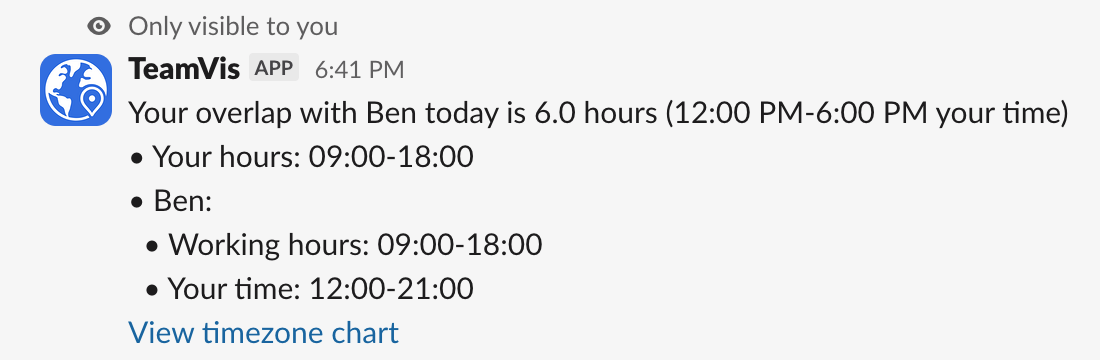
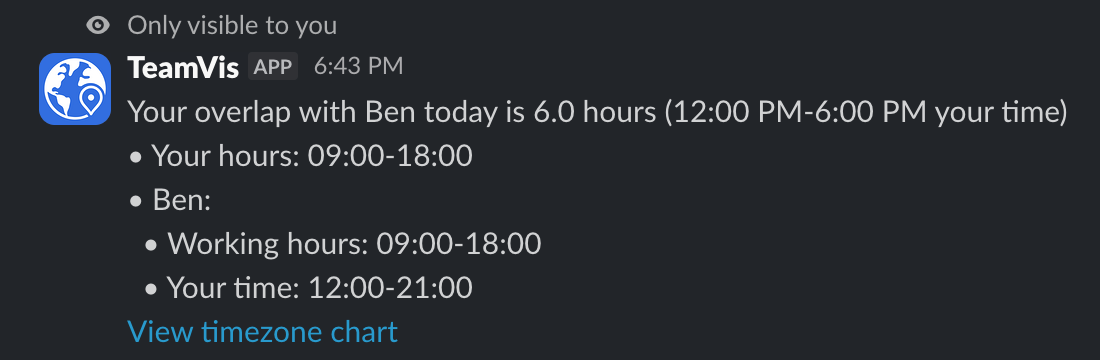
Type a slash command and mention the people you mean. Replies are only visible to you.
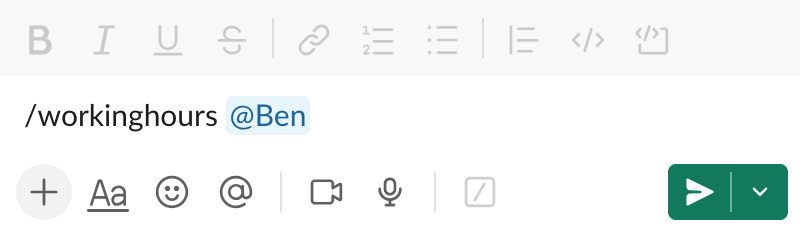
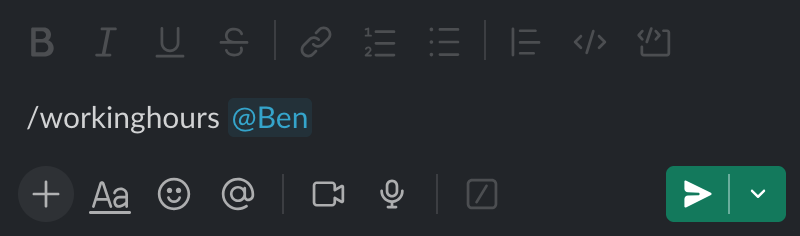
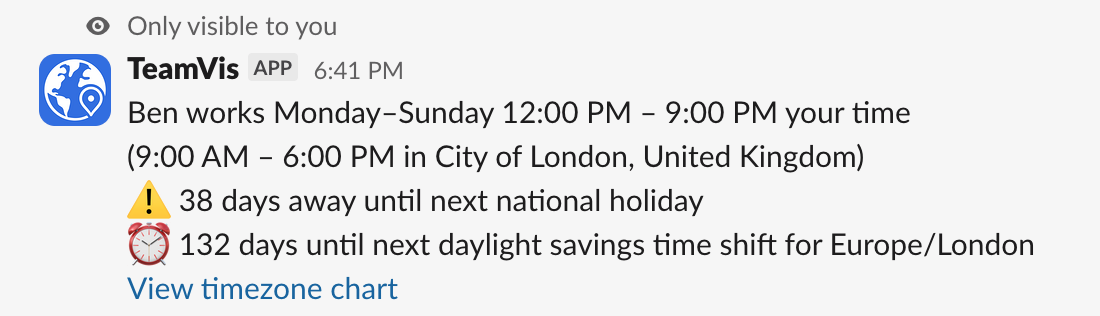
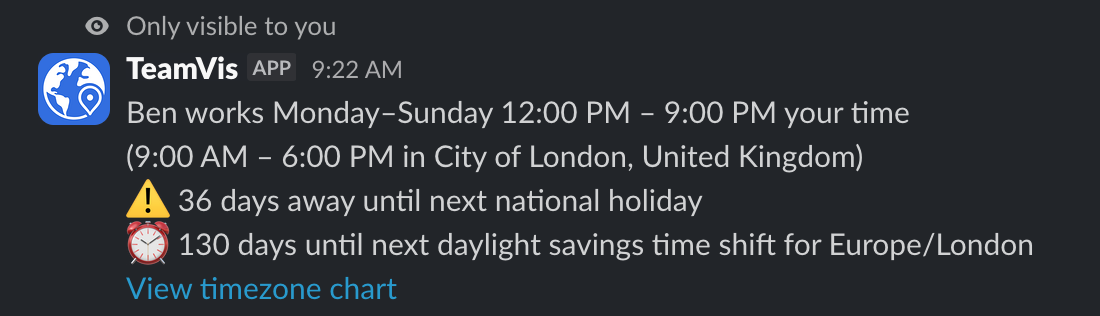
See when a teammate works, converted to your time zone, with a heads-up about their next national holiday and clock change.
Add it to a channel
Time zone bot for Slack
- 1Connect your Slack workspace to TeamVis.
- 2Type /invite @teamvis in any channel.
- 3Mention a time, or use /workinghours, /overlap or /location.
Time zone bot for Microsoft Teams
- 1Install the TeamVis app in Microsoft Teams.
- 2Add the bot to the channels you want it in.
- 3Mention a time, or message it workinghours, overlap or location.
Questions
Works well with
Stop doing time zone maths in chat
Connect Slack or Microsoft Teams and add the bot to a channel. It takes a couple of minutes.