Set up TeamVis for your team
Pick how your team works. It takes a couple of minutes, and you can connect Slack or Microsoft Teams later if you start on your own.
My team uses Slack
Bring your whole team in from Slack.
- Everyone joins with their name, photo and time zone
- Adds the time zone chatbot: /location, /overlap and /workinghours
- Statuses and new joiners stay in sync
Some workspaces need an admin to approve new apps.
My team uses Teams
Bring your whole team in from Microsoft Teams.
- Everyone joins with their name, photo and time zone
- Adds the TeamVis bot to convert times in your channels
- Works inside Teams as a tab, too
A Microsoft 365 admin may need to give consent.
Start on your own
Try TeamVis yourself before bringing anyone in.
- Sign up with Google, Apple or email
- Free for one person: the website and Mac menu bar app
- Upgrade to add your team or connect Slack or Teams any time
What happens next
- 1
Connect or sign up
Sign in with Slack or Microsoft Teams to bring your team in, or with Google, Apple or email to start on your own.
- 2
Your team appears
Everyone shows up with their local time, usual working hours and public holidays. People can fine-tune their own hours later.
- 3
Plan around each other
See who's working now, find a fair meeting time and know who's away, on the web, in Slack or Teams and on your Mac.
What your team gets
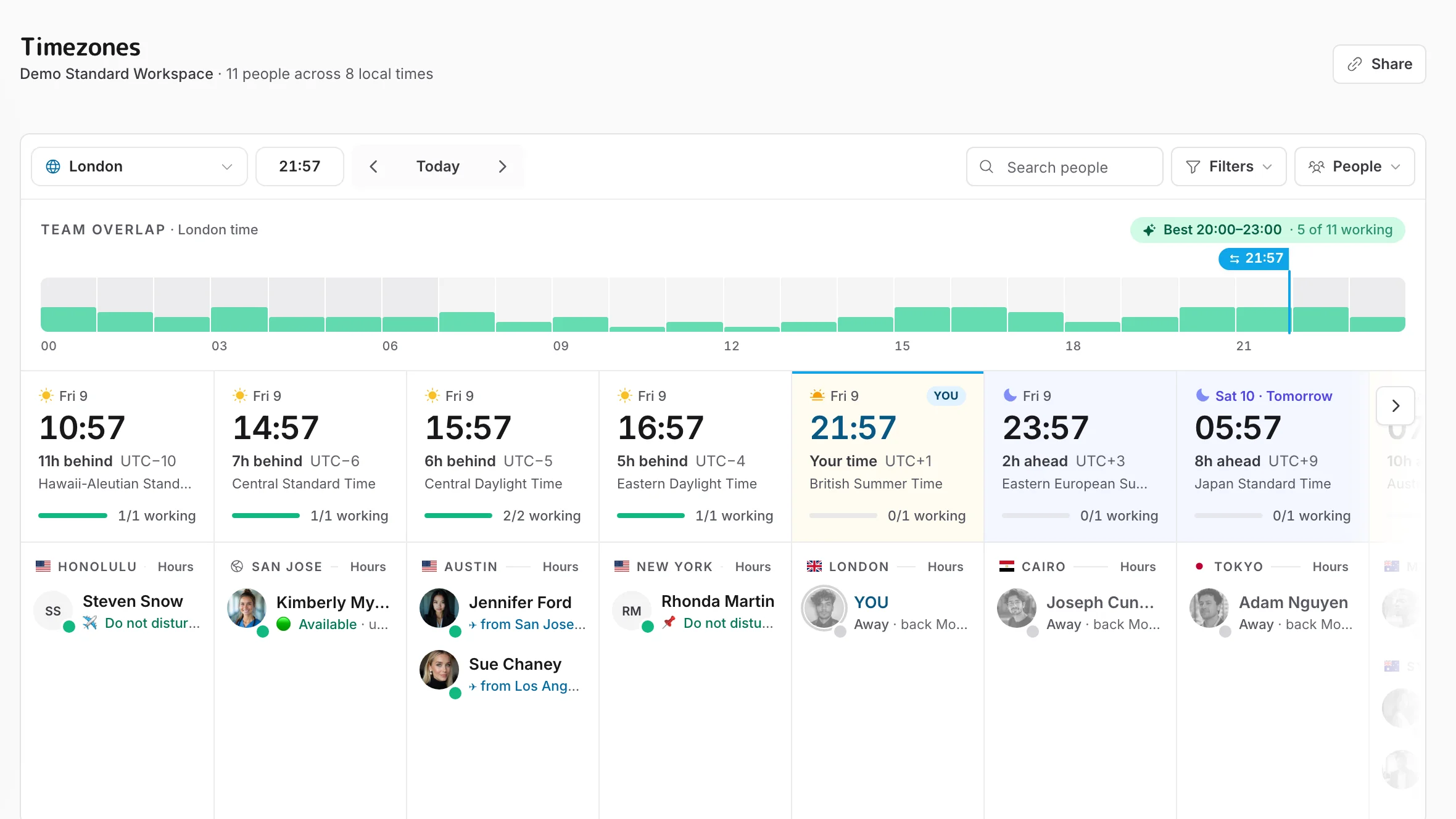
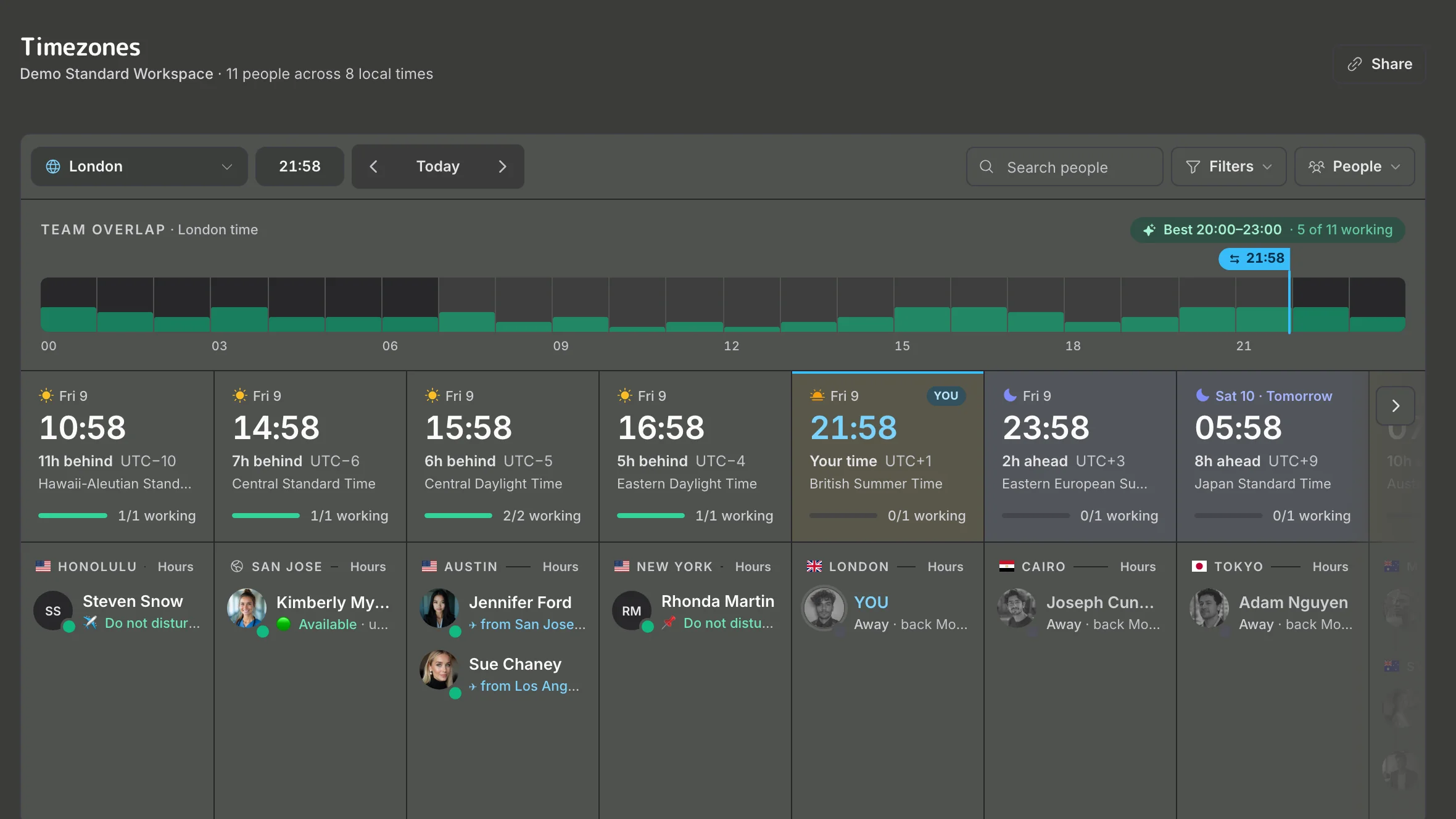
Know if now's a good time
See who's working, who's off and when they're back, and how each person wants to be reached.
Try it in the demo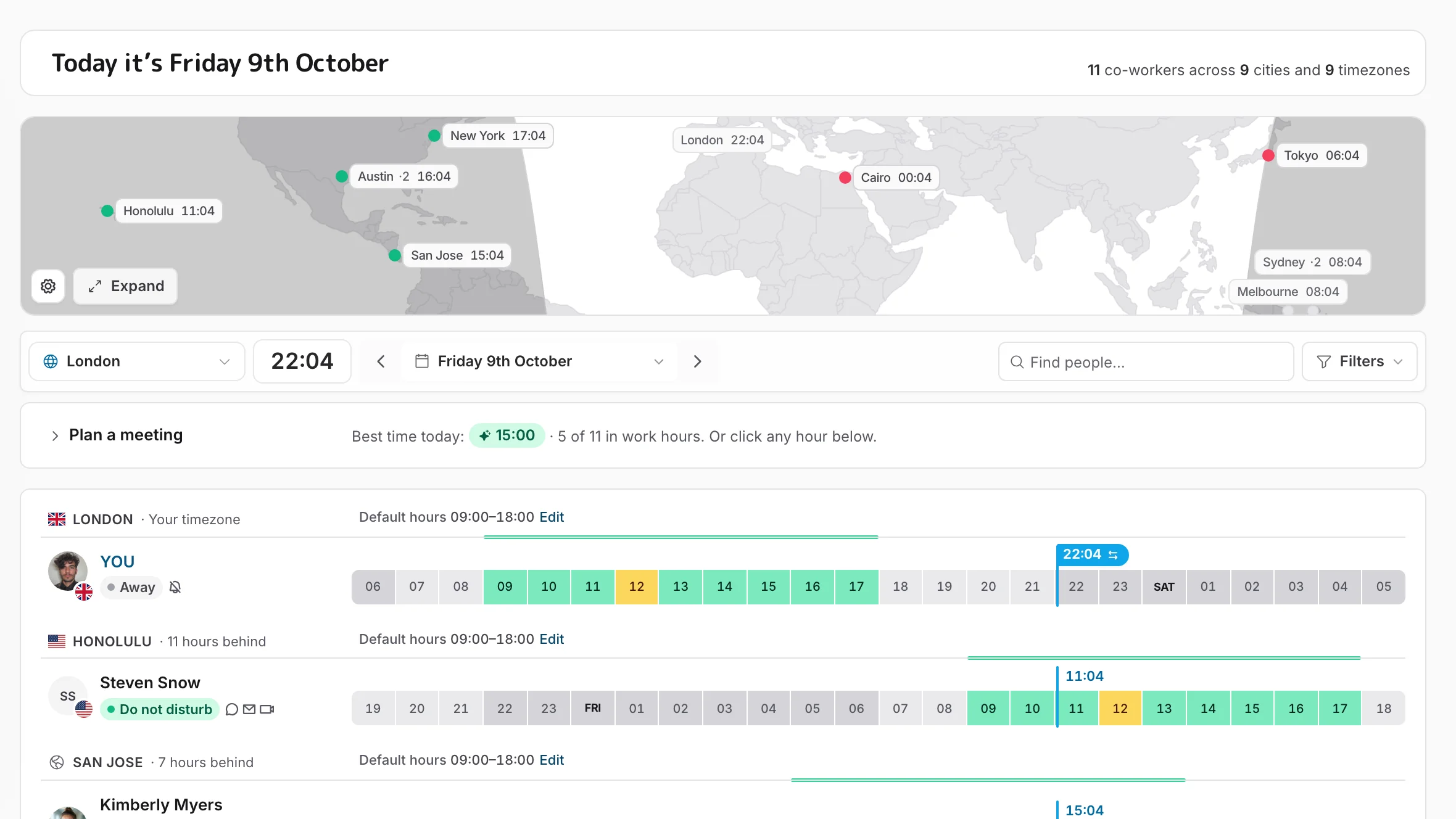
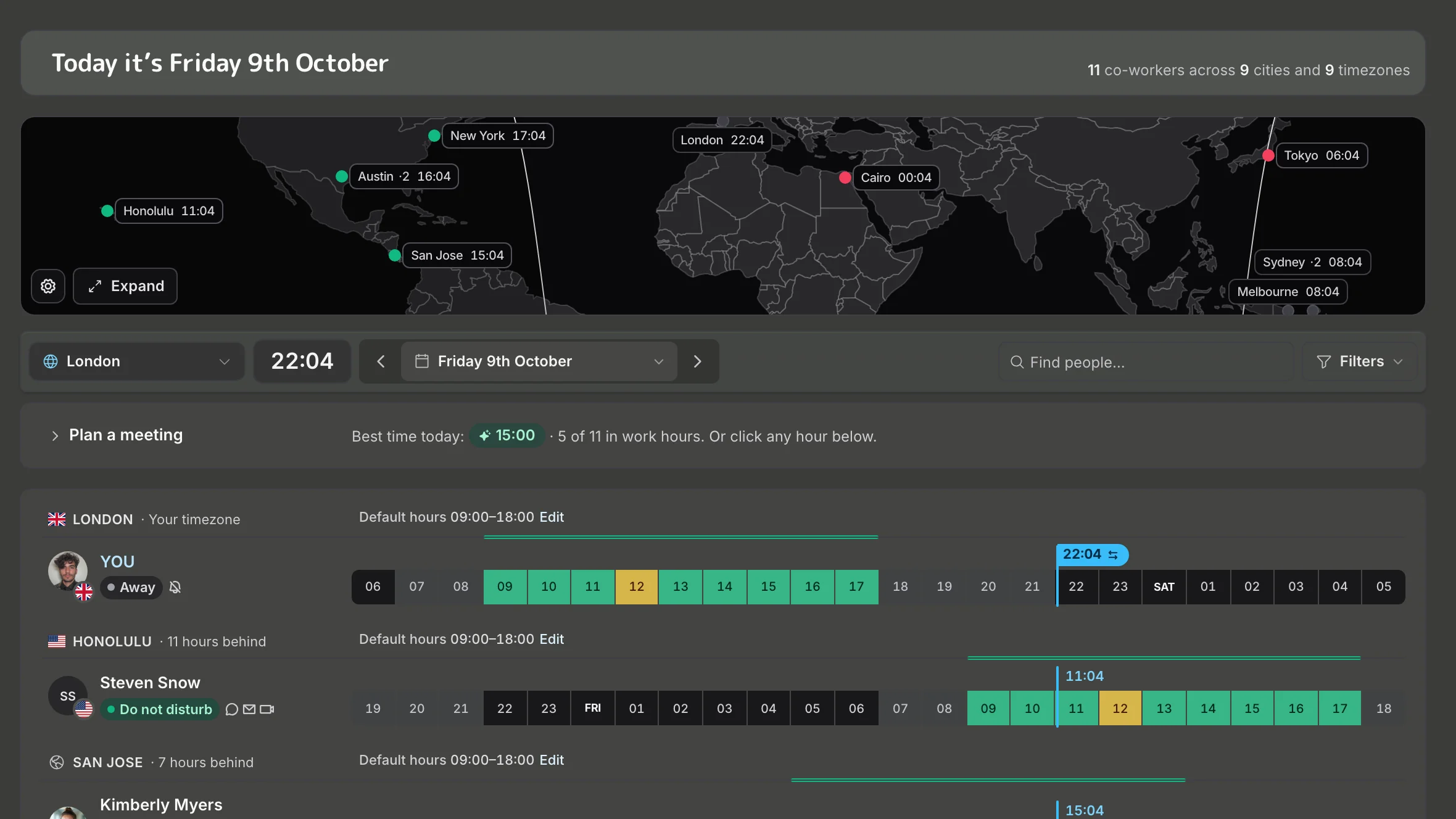
Find a fair meeting time
Pick people, not cities. See the overlap, the best time and who it's early or late for.
Try it in the demo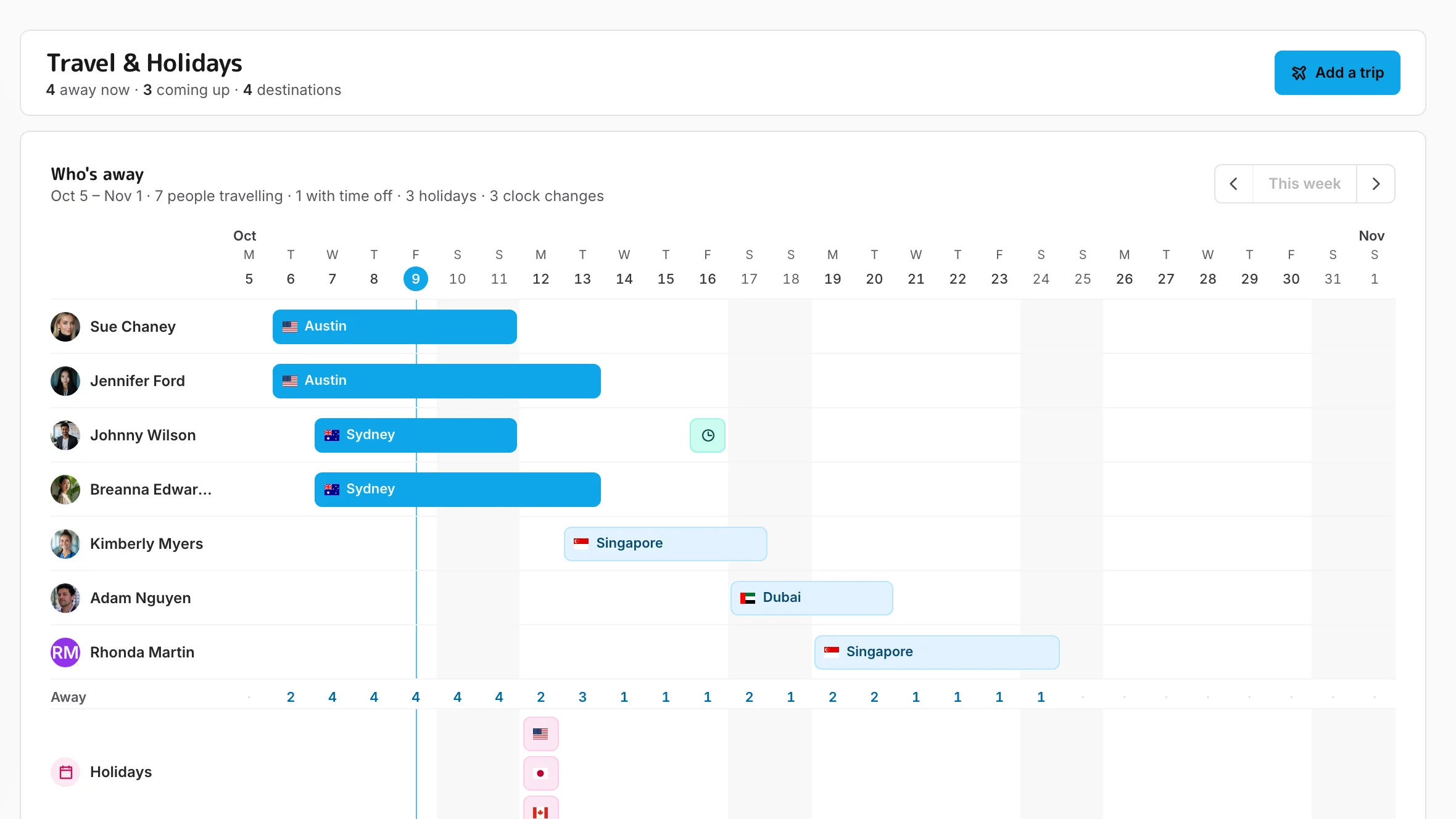
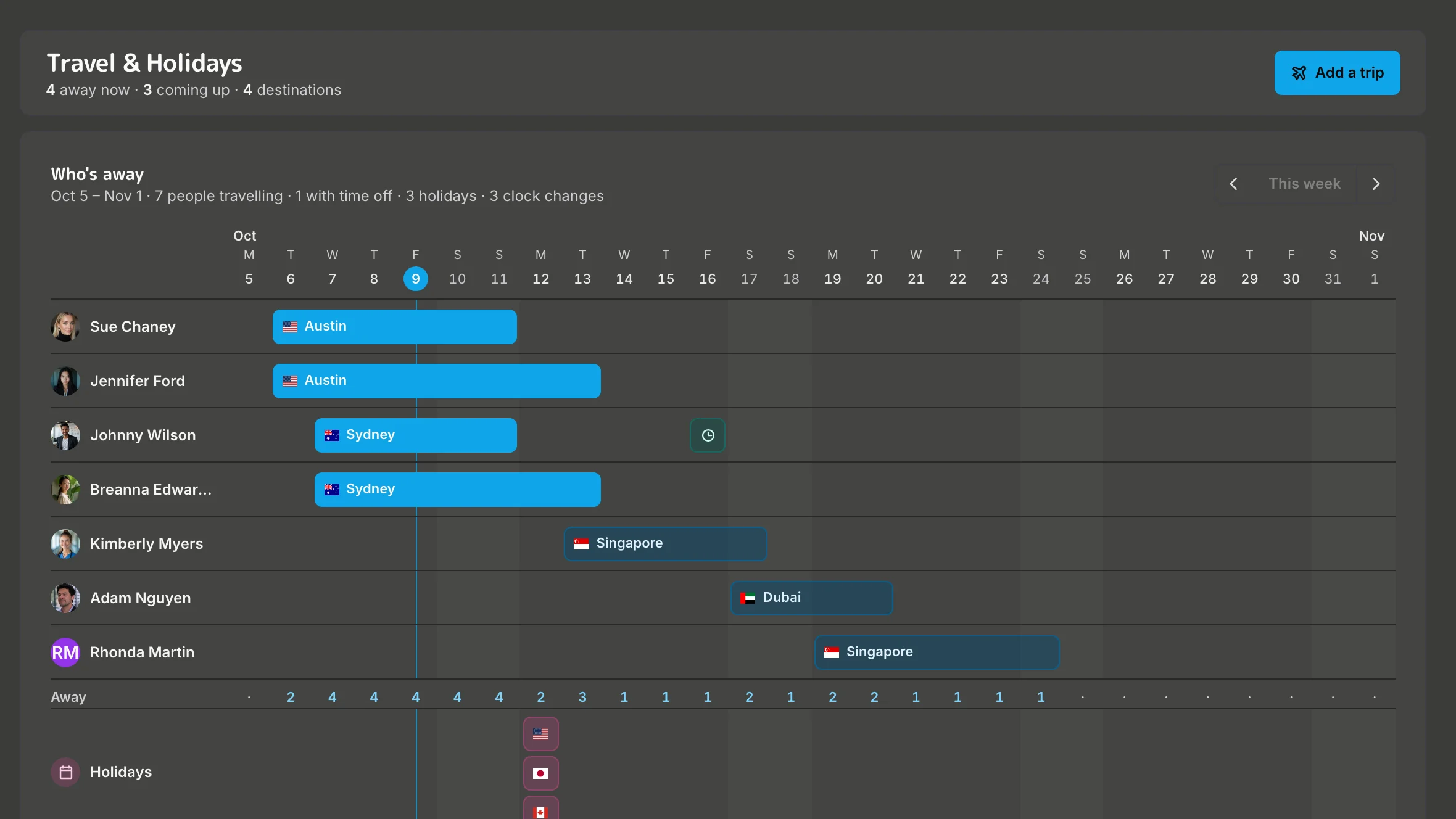
See what's coming up
Trips, time off, public holidays and clock changes, for everyone, before they catch you out.
Try it in the demoBefore you connect
What does it cost?
Teams connected to Slack or Microsoft Teams are free during the beta. On your own, the free plan covers the website and the Mac menu bar app. On a team plan you're only charged for people who have a TeamVis account, not everyone in your workspace. See pricing.
What does TeamVis read from Slack or Teams?
Profile details (name, photo, email and time zone) to build your team, and messages only in the channels you add the TeamVis bot to, so it can convert the times people mention.
Do I need an admin?
Some Slack workspaces need an admin to approve new apps, and Microsoft Teams may ask a Microsoft 365 admin for consent. Once TeamVis is connected, anyone in the workspace can create their own account.
Can I add people who aren't on Slack or Teams?
Yes. On a team plan you can add people and offices by city from Home; the city sets their time zone, map pin and public holidays.